A survival puzzle game played entirely from a wheelchair,
inside a locked underground bunker.
THE IDEA
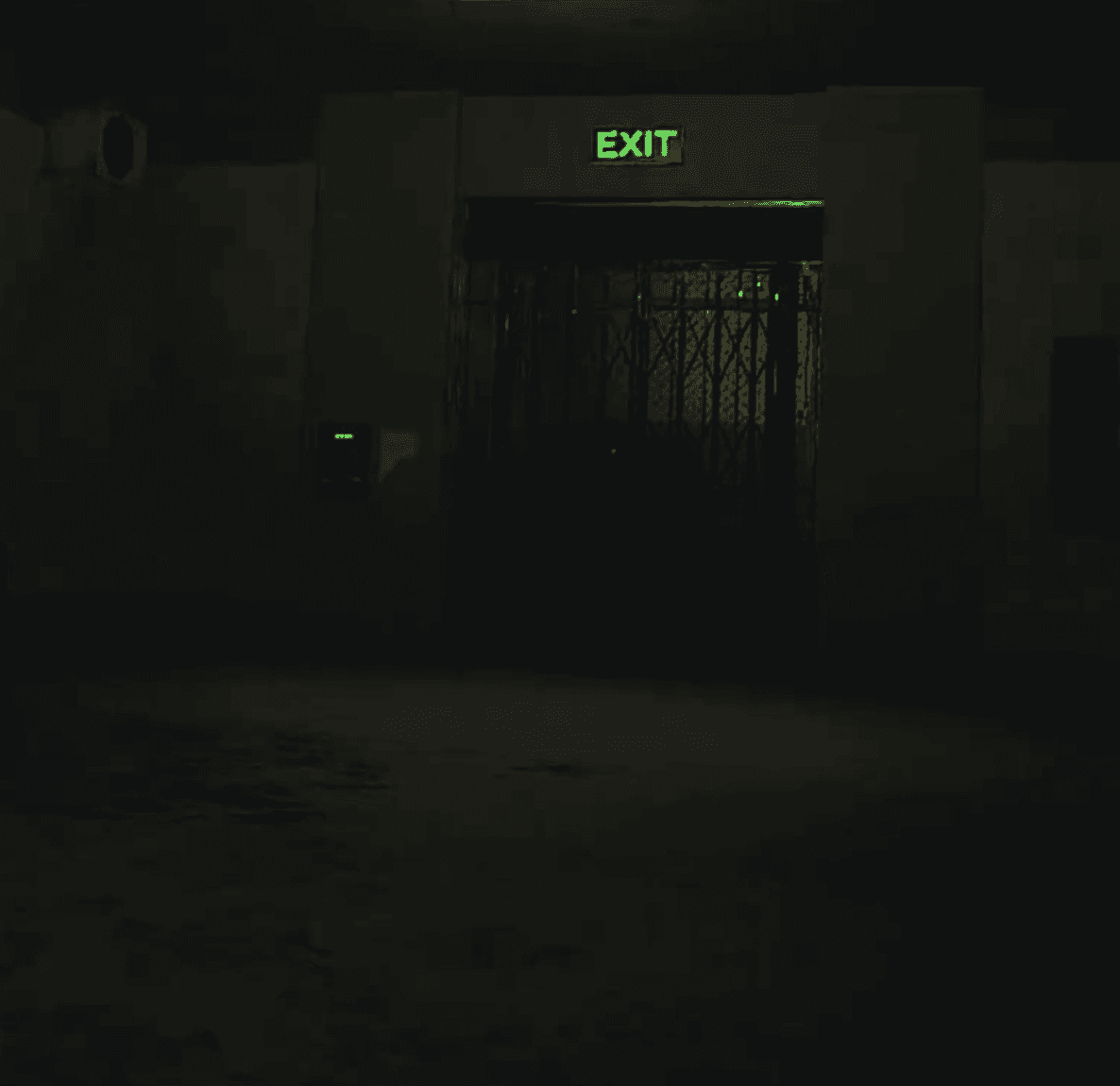
You wake up strapped into a wheelchair in an underground bunker, no memory of how you got there, an old elevator somewhere above you and a clock running down.
To escape, you don't push a stick to glide forward: you move the way a real wheelchair user moves, swinging your arms, pushing up ramps, riding a shaking elevator.
A Talon Simulations haptic chair tilts and vibrates with the terrain, so every slope and every rough floor is something you feel, not just something you see.
Talon Simulations haptic chair
Unity(C#)
Meta Quest 3

Left Below was a four-person capstone for UF's MiDAS program. I was the UI designer, developer, and sound designer. I designed and developed:
The main menu, tutorial, and inventory systems
All in-game UI, custom shaders, and item highlighting
The game's sound feedback
Below are the interaction problems I found most interesting to solve.
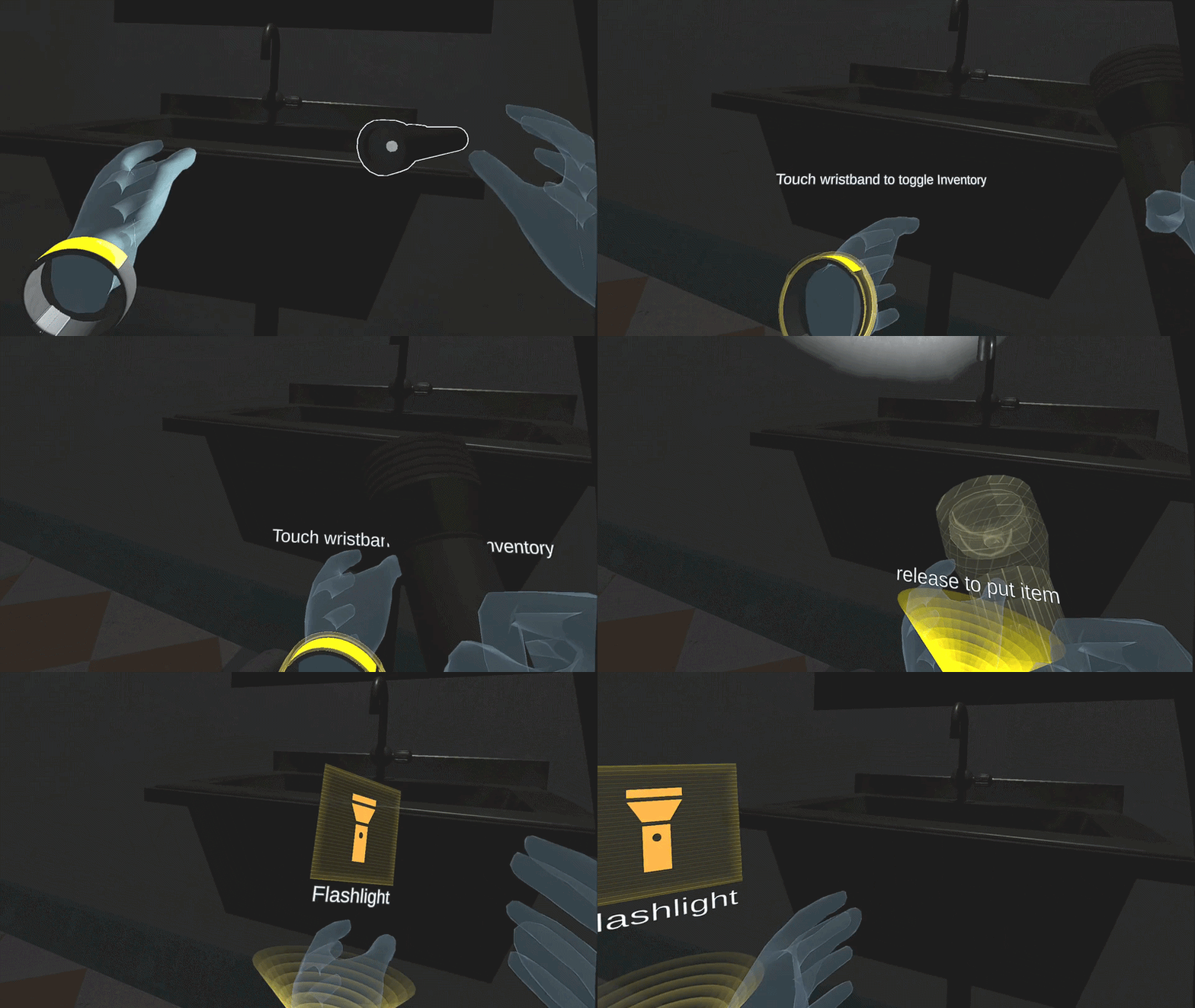
My first inventory design used a bag attached to the side of the wheelchair. A bag means storage, so it seemed like the obvious, intuitive metaphor.
Playtesting proved it wrong. In VR, the player's hands are almost always moving, sweeping across a wide space to row the wheelchair forward. A trigger sitting out at the side of the chair got bumped constantly, and the players kept opening their inventory by accident.
So I reframed the problem around two questions: where does the trigger belong so it still feels intuitive, and how do I make it easy to open on purpose but hard to open by mistake?
The answer was to move it onto the body: a wristband on the player's left hand. A light tap opens a funnel of light above the wrist; bring an object to it and it dissolves into translucent gold and is stored. Close to the body, deliberate to reach, almost impossible to bump. The accidental triggers disappeared.
Nobody has "rowed" a VR wheelchair before, so the tutorial had to teach a motion players had no reference for.
I considered three ways to do it:
bake motion paths into the world (most immersive, but also most expensive to build)
Play pre-recorded instructional videos (cheap, but breaks immersion)
Illustrate the motions directly.
Given that we have a limited time schedule, I chose the third one. I hand drew a series of sketches, tweened them into short GIFs, and paired each with a line of text. It balanced cost against clarity, and in playtests most players understood the controls the first time they saw it.


A dim bunker is easy to get lost in, especially when they have to find game tools and slove the puzzle. The navigation laser pointer solves that with color and controller haptic feedback instead of UI (a small nod to the wayfinding tool in Zelda).
Earned after Level 1, it reads the space as you sweep it around: it glows red while you're aimed the wrong way, then turns green and pulses the controller the moment it lines up with your next destination. Direction becomes something you feel your way into color and haptics rather than an overlay laid on top of the world.


To match the story's tone, I built custom gold-toned shaders for the UI and inventory, with lines that scroll upward for a quiet sci-fi hum.
Key items get a soft white outline when you come near, so nothing important disappears into the dark. And since you can never see your real hands in VR, I leaned on sound to close the loop: menu taps, inventory open and close, the friction of the wheels, the clunk of the elevator, all the feedback that tells you an action landed.